The Dead We Knew: Console Commands & Server Cheats Guide
Master admin controls in The Dead We Knew. Complete list of console commands, server cheats, item spawn IDs, weather controls, and godmode activation codes.
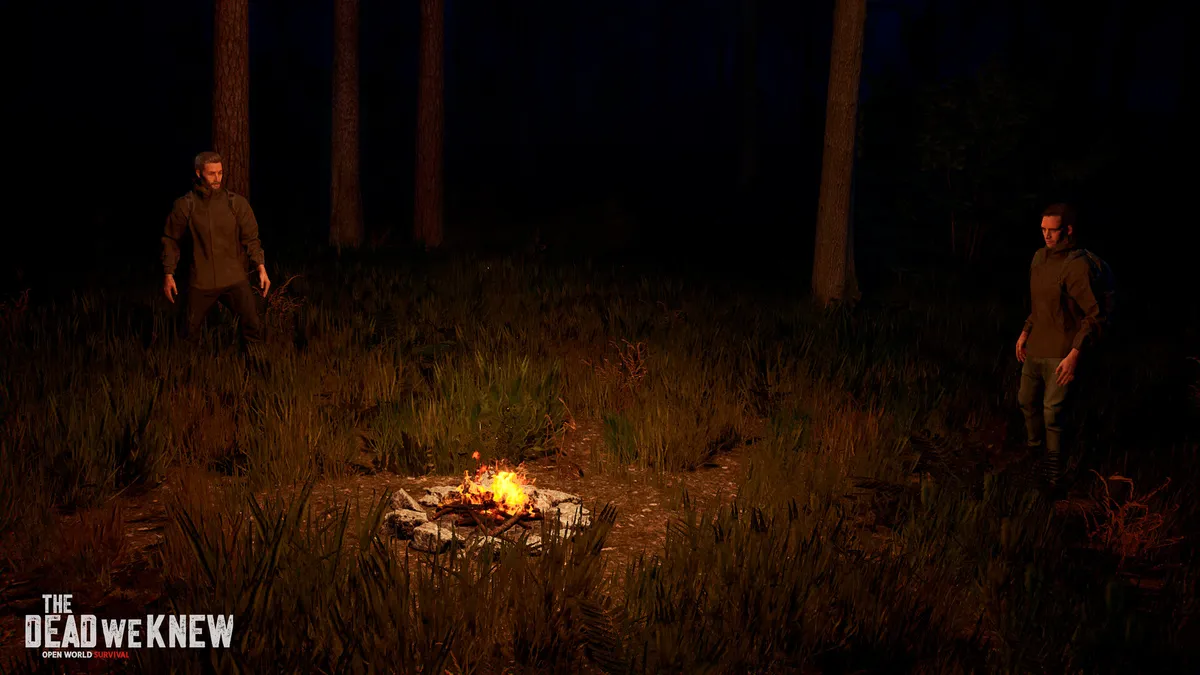
Whether you are testing base layouts in single-player sandbox mode, moderating an active 4-player co-op server, or debugging character physics after getting stuck between boulders, administrative console commands are an indispensable tool in THE DEAD WE KNEW: Open World Survival.
This comprehensive command reference covers console enablement, server host authentication, character invulnerability codes, weather control parameters, and the most useful item spawn identifiers.
1. How to Enable & Open the Developer Console
By default, the developer console is locked to prevent accidental key presses during combat.
Activation Steps
- Launch the game to the main menu.
- Navigate to Options > Game Settings.
- Locate Enable Developer Console and toggle the setting to ON.
- Start a Single Player game or host a Co-op server.
- In-game, press the tilde key (
~) located below the Escape (Esc) key. - A dark command bar will slide down at the top of the screen.
Keyboard Layout Note: On UK and European keyboards, the default console toggle is frequently mapped to the grave accent key (
`) or apostrophe key ('). You can rebind this key under Options > Keybindings > Toggle Console.
2. Server Admin Authentication
If you are playing on a multiplayer server where you are not the primary host, you must authenticate yourself as an administrator before cheat commands will be accepted:
auth.admin [AdminPassword]Once entered, you will see the console confirmation message: Administrator privileges granted for Player [SteamID64].
3. General Survival & Character Cheats
These commands modify player state, vitality, and mobility. They work instantly in single-player and admin-authenticated multiplayer sessions:
| Console Command | Syntax Example | Function & Result |
|---|---|---|
| god | god | Toggles complete invulnerability to zombie damage, bullets, and falling. |
| heal | heal 100 | Instantly restores player health to specified integer (defaults to max 100). |
| feed | feed | Resets Hunger and Hydration gauges to 100% and cures diseases. |
| warmth | warmth 37.0 | Sets internal body temperature, curing hypothermia instantly. |
| fly | fly | Enables free-flight noclip mode to fly through terrain and inspect building roofs. |
| ghost | ghost | Disables collision physics with trees, rocks, and barricades. |
| teleport | teleport [x] [y] [z] | Instantly moves your character to the specified world coordinates. |
| suicide | kill | Forces immediate character death to trigger respawn at bedroll. |
4. Environmental & Weather Control Commands
The dense volumetric fog is the game’s core challenge. Admins can manipulate time of day and atmospheric conditions to facilitate building:
               ┌────────────────────────────────────────────────────────┐
               │  weather.set clear  ──► Clears all fog and rain clouds │
               │  weather.set fog    ──► Forces maximum mist density    │
               │  time.set 12:00     ──► Sets game clock to bright noon │
               │  time.set 00:00     ──► Sets game clock to midnight    │
└────────────────────────────────────────────────────────┘| Command | Argument | Practical Use Case |
|---|---|---|
time.set | [HH:MM] or [0-24] | Changes the server sun angle (e.g., time.set 14:00 for clear afternoon light). |
time.scale | [Multiplier] | Speeds up or slows down world time (e.g., time.scale 0 freezes time). |
weather.set | clear, rain, fog, supercell | Forces specific weather simulation events instantly. |
fog.density | [0.0 to 1.0] | Manually overrides mist opacity (e.g., fog.density 0 eliminates mist entirely). |
5. Spawning Items, Weapons & Building Materials
Items can be spawned directly into the player’s active inventory slots using the spawn or give command prefix:
item.give [ItemID] [Quantity]Essential Item Spawn Reference Table
| Category | Item Name | Command String | Quantity |
|---|---|---|---|
| Survival | Clean Canteen | item.give canteen_clean | 1 |
| Survival | First Aid Bandage | item.give bandage_sterile | 5 |
| Survival | Hearty Venison Stew | item.give stew_venison | 3 |
| Building | Wood Timber Planks | item.give wood_plank | 50 |
| Building | Sheet Metal Plates | item.give metal_plate | 20 |
| Building | Nails Box | item.give nails_box | 100 |
| Weapons | .308 Hunting Rifle | item.give weapon_rifle_308 | 1 |
| Weapons | Pump Shotgun 12G | item.give weapon_shotgun_pump | 1 |
| Weapons | Steel Fireaxe | item.give weapon_fireaxe | 1 |
| Ammo | .308 Rounds Box | item.give ammo_308 | 50 |
| Ammo | 12-Gauge Buckshot | item.give ammo_12gauge | 50 |
6. Server Administration & Player Management
Server hosts managing public lobbies can use these administrative commands to enforce server rules:
- List Connected Players:
server.players(Displays player names, ping, and SteamID64). - Kick Disruptive Player:
server.kick [PlayerName or SteamID] [Reason] - Permanent Ban:
server.ban [SteamID] [DurationInHours or permanent] - Save World State:
server.save(Forces an immediate disk save of all player structures and inventories). - Broadcast Server Message:
server.broadcast "[MessageText]"(Displays a yellow banner across all client screens).